
Move files efficiently
Send large documents and keep active work in encrypted Vaults. File limits depend on your plan.
Make secure communications part of your customer experience. Use your own domain, authenticated sender address, logo and colours on a hosted platform that We Secure Data runs for you.
Professional and Business include the branding and domain controls. Workspace domains and company email sending each require configuration and verification.
The exchange starts with an email from your configured sender. Customers recognise your business as they open the secure link, download a proposal or return confidential documents. Your team gives customers a consistent experience at each step.
Demo workspace · secure.greyfelladvisory.co.uk
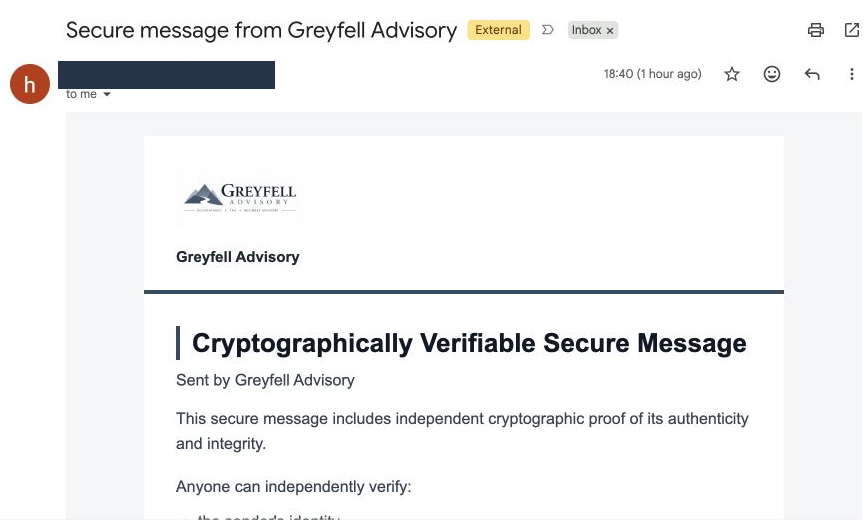
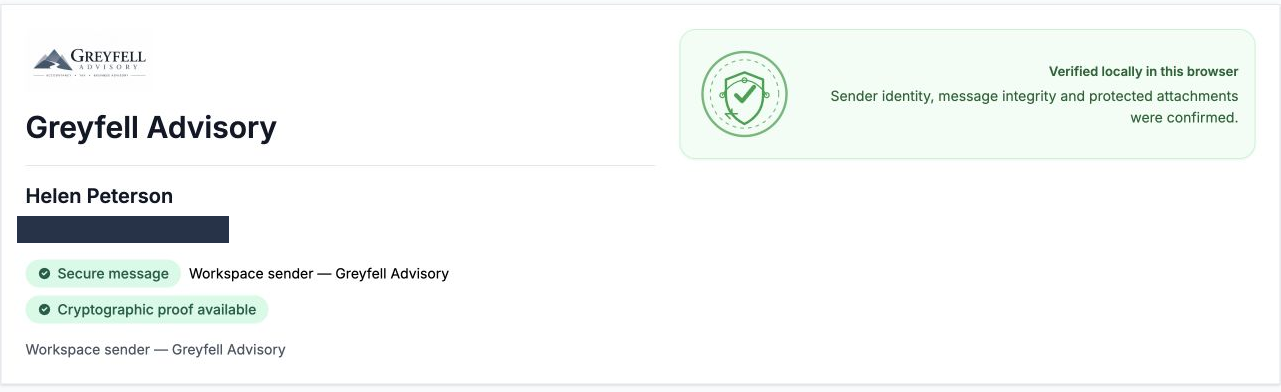
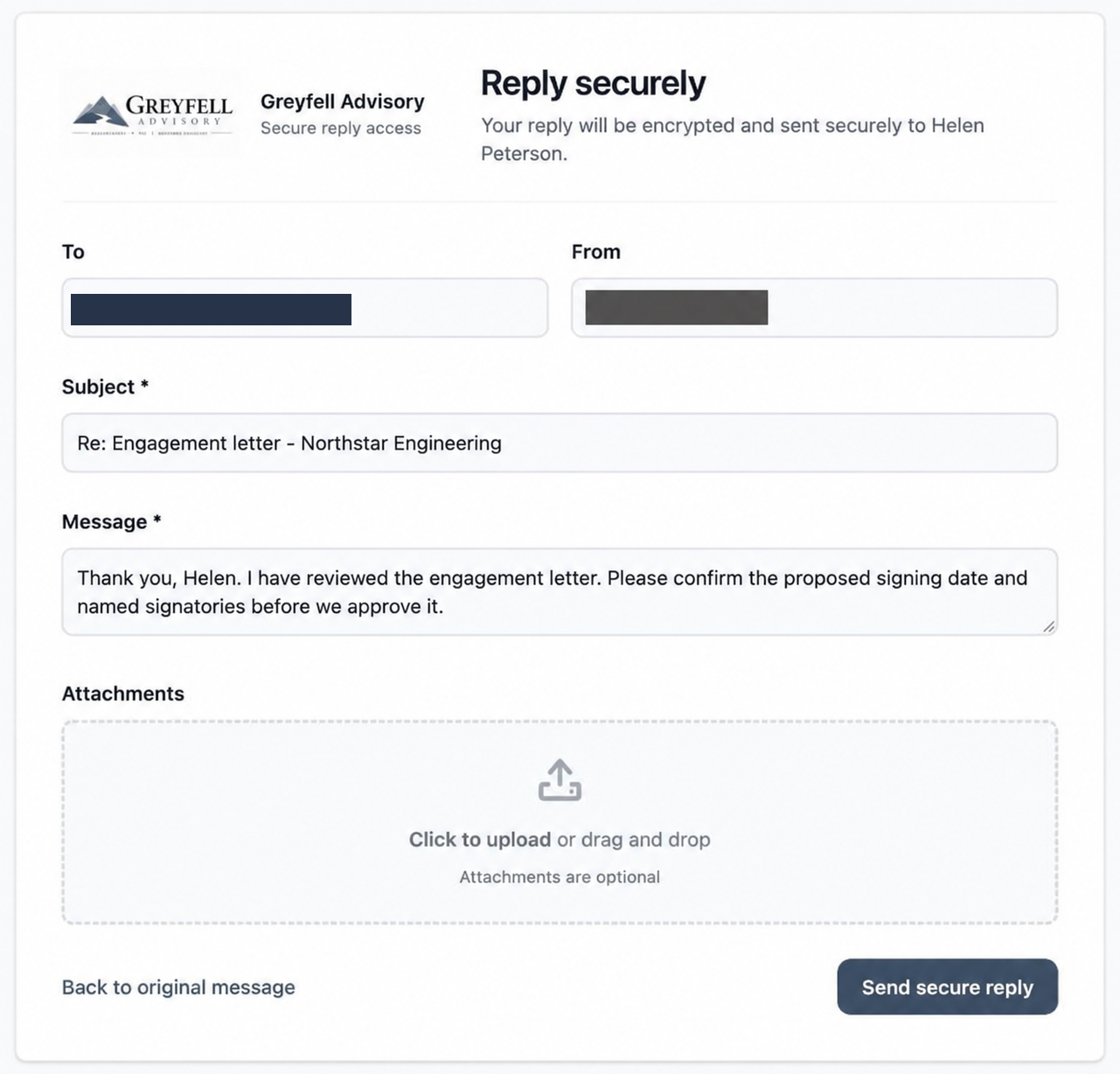
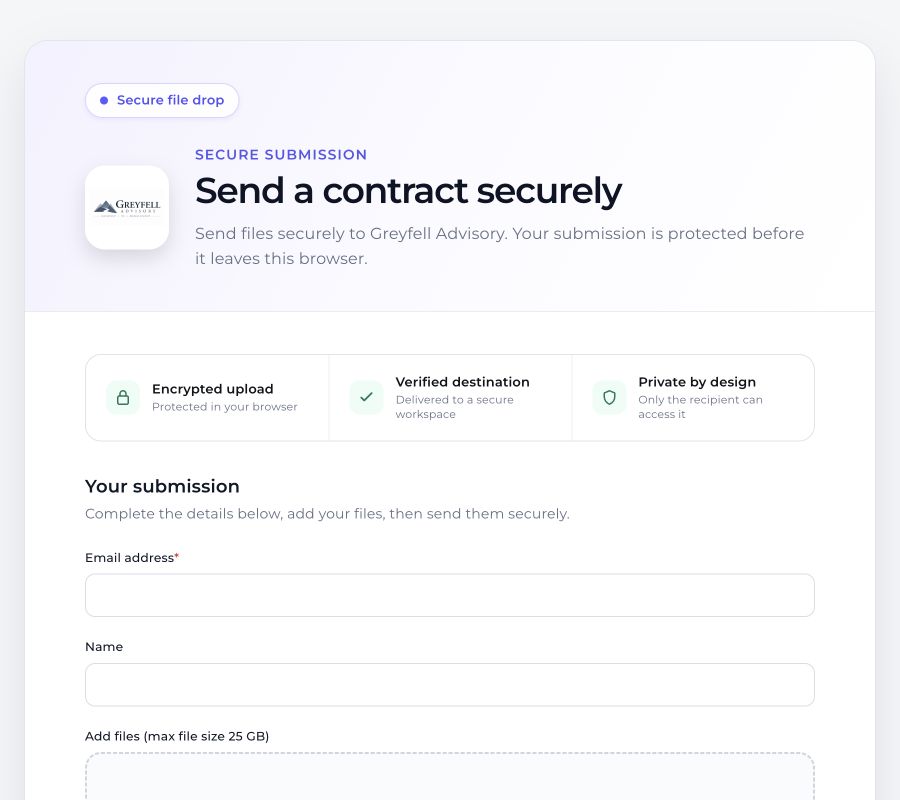
Your team can also use the verified workspace address for sign-in and see the company branding in supported parts of the signed-in workspace.
Your logo and domain help customers recognise your business. The cryptographic signature and a trusted signing key let them check the recorded origin and exact content independently.
Send large documents and keep active work in encrypted Vaults. File limits depend on your plan.
Apply available access checks and expiry settings. Retract future access to eligible exchanges and review recorded activity in the audit trail.
In supported workflows, confirm the specific action with a passkey and include an eligible, optional verified identity.
Retain the evidence bundle and check signed provenance tied to your company’s signing key. Verify an eligible bundle offline with a trusted key.
Give customers secure file sharing and document collection under your brand. We Secure Data operates the hosted service and maintains encrypted storage, large file handling, recipient controls, audit records, signing and security updates.
Yes. Connect and verify a subdomain you control, such as secure.yourcompany.com. Select it as the active workspace address after certificate activation. New supported external message, File Drop and File Request links can use that address.
Supported secure message notifications can use a configured From address and display name after the sending domain is authenticated and enabled. Reply-To can follow the individual sender for user-originated notifications. Account and system emails can use We Secure Data sending. An administrator can also select managed delivery. If a required custom sender fails its checks, its mail can pause until you resolve the issue or select managed delivery.
Yes. Set your company display name, logo and primary colour. These appear on supported workspace and customer pages. We Secure Data attribution can remain visible.
Customers follow the link to the protected message or upload. Supported pages show your company branding and configured address. The recipient access policy determines whether the customer verifies by email or needs to sign in.
Where secure replies are available, the recipient can return a message or files through the protected exchange under your company branding. Access and reply settings still apply.
Yes. Share your File Drop link on your website, in instructions or in an email signature. You can also send a File Request for a specific set of documents. Separate pages suit different teams or workflows, within your plan’s File Drop allowance.
Keep your existing email service. We Secure Data runs the hosted application. Your administrator sets up the DNS and sender authentication required for the domains you choose.
We Secure Data signs provenance for eligible exchanges using the owning company’s key. Recipients can use the trusted public key to check the signature and covered content, including in supported offline evidence bundles.
Professional and Business include custom workspace branding, custom web domains and company-domain email sending. Core secure messages, File Drop and File Requests are available on all hosted plans, subject to their limits. Compare plans.
Verify ownership and routing for the workspace subdomain and allow certificate provisioning. Company sending has a separate setup and requires DKIM, custom MAIL FROM and DMARC checks. Workspace domain guide · Company email guide
See the customer journey or create your company account.